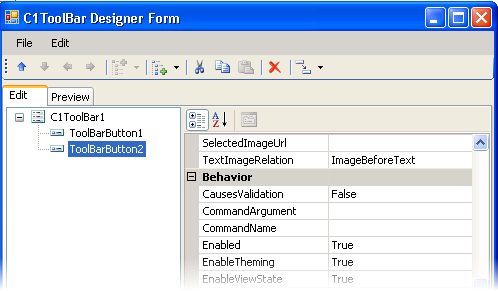
The C1ToolBar Designer Form contains a menu, toolbar, Edit tab, Preview tab, and properties pane.
Edit Tab
Click the Edit tab and select the C1ToolBar control or the desired toolbar item type for which you would like to manipulate or adjust the properties.
Preview Tab
Click the Preview tab for a preview of what the C1ToolBar control will look like.
Properties Pane
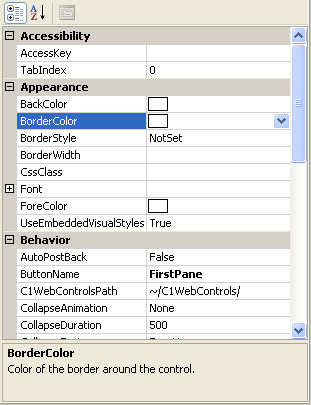
The C1ToolBar Designer Form properties pane is almost identical to the Visual Studio Properties window. Simply select a toolbar item type or the C1ToolBar control and set the desired properties here.
Command Buttons
The command buttons are summarized in the following table:
|
Button |
Description |
|
OK |
Clicking OK applies the new settings to the C1ToolBar control. |
|
Cancel |
Clicking Cancel closes the C1ToolBar Designer Form, cancelling the new settings and applying the default settings to the C1ToolBar control. |
 C1ToolBar Designer Form Toolbar
|