ActiveBar allows you to use an ActiveBar band object to host a VB form. The result is a form that your users can use to dock or float just like any other band in your applications. To create a dockable form, create a new band and add an ActiveX Form tool type to the band in the ActiveBar Designer. To mimic the style of Office 2003 and Visual Studio 2005 applications you can set the band object FlatStyle property to ddFSSolid to turn off the gradient coloring style of the band hosting your form.
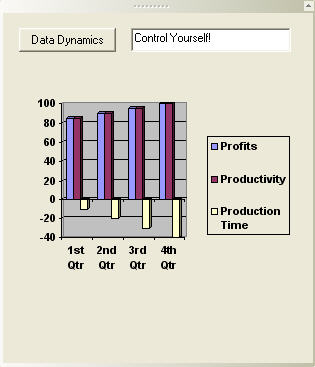
Then, in your Form_Load event, attach the Custom property of the tool to the associated form.
Private Sub CreateDockableForm()
Dim activexForm As Tool
Dim dockableBand As Band

Set dockableBand = ActiveBar31.Bands.Add("dockableformBar")

dockableBand.Caption = "Text Entry Form"
    dockableBand.Type = ddBTNormal
    dockableBand.DockingArea = ddDARight
    dockableBand.DisplayMoreToolsButton = False
    dockableBand.Height = 3000
    dockableBand.AutoSizeForms = True
    dockableBand.Flags = ddBFSizer Or ddBFDockRight Or ddBFStretch Or ddBFExpand

Set activexForm = ActiveBar31.Tools.Add(900, "dockableForm")
activexForm.ControlType = ddTTForm

dockableBand.Tools.Insert -1, activexForm
dockableBand.Tools(activexForm.Name).Custom = secondForm
End Sub
Copyright © 2006 Data Dynamics, Ltd. All Rights Reserved.