To add a template for child toolbar items, complete the following:
1. Open the C1ToolBar Designer Form and add a ToolBarDropDownList or ToolBarSplitButton with child toolbar items. For more information on adding toolbar items using the C1ToolBar Designer Form see Adding Child ToolBar Items.
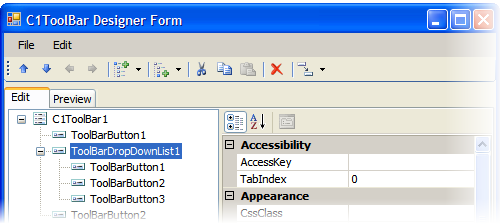
2. Click OK to save and close the C1ToolBar Designer Form dialog box.
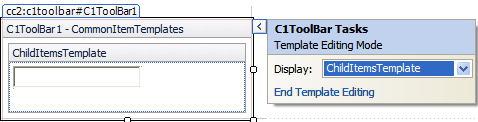
3. Open the C1ToolBar Tasks menu from the smart tag and select Edit Templates. The C1ToolBar Tasks menu changes to Template Editing Mode.
4. Select ChildItemsTemplate from the Display dropdown list box.
5. Drag and drop a TextBox control into the ChildItemsTemplate box
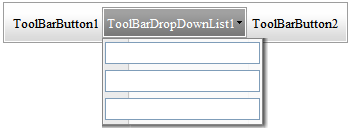
6. Run the project and notice the TextBox control appears in the child items of the ToolBarDropDownList item..
|