To access C1LinearGauge themes, select the C1Gauge control and click the smart tag. Select Add New Gauge from the C1Gauge Tasks menu. The New Gauge Gallery appears.
Select the Linear Horizontal tab to create a horizontal C1LinearGauge item and choose (empty) to create your own gauge.
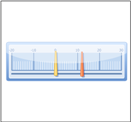
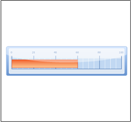
If you want to create a Horizontal or Progress Bar gauge, select one of the five available themes: (default), OfficeBlue, OfficeBlack, OfficeSilver or Windows7.
|
Horizontal |
|
|
Progress Bar |
|
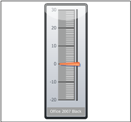
Select the Linear Vertical tab to create a vertical C1LinearGauge item and choose (empty) to create your own gauge.
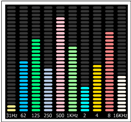
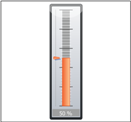
If you want to create a Frequencies, Thermometer or Vertical gauge, select one of the five available themes: (default), OfficeBlue, OfficeBlack, OfficeSilver or Windows7.
|
Frequencies (available with the (default) theme only) |
|
|
Thermometer |
|
|
Vertical |
|
|