To access C1RadialGauge themes, select the C1Gauge control and click the smart tag. Select Add New Gauge from the C1Gauge Tasks menu. The New Gauge Gallery appears. You can select from one of the following built-in themes, or choose (empty) to create your own.
|
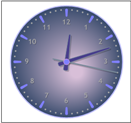
Clock |
|
|
Concept Car |
|
|
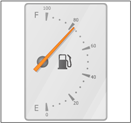
Fuelmeter |
|
|
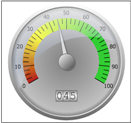
Gage Dial |
|
|
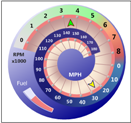
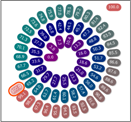
Helical |
|
|
Radial Numeric |
|
|
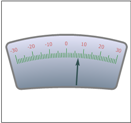
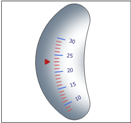
Sliding Scale |
|
|
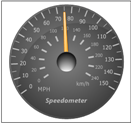
Speedometer |
|
In the Theme drop-down box, select: (default), OfficeBlack, OfficeBlue, OfficeSilver, or Windows7. If you select any of the Office themes, you can choose from five different radial gauges: (default), Clamshell1, Clamshell 2, Half Circle, or Radial.
If you choose Windows7, you can choose from nine different radial gauges: (default), Clamshell 1, Clamshell 2, Clamshell 3, Clamshell 4, Half Circle 1, Half Circle 2, Radial 1, and Radial 2.
|