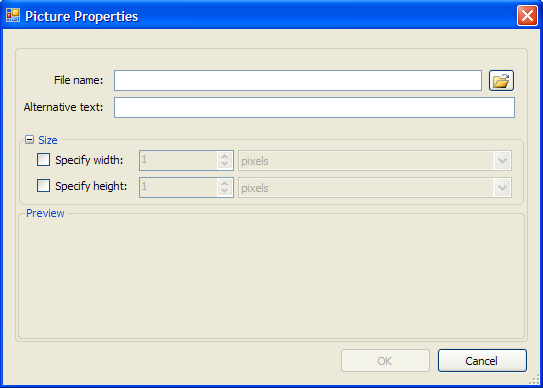
Users can insert and preview a picture using the Picture Properties dialog box.
|
File name |
Click the Browse button to locate a picture to insert. |
|
Alternative text |
Enter the text that should appear in case the image is unavailable. |
Size
|
Specify width |
Select this checkbox and enter a number to specify the image width. Choose pixels or percent. |
|
Specify height |
Select this checkbox and enter a number to specify the image height. Choose pixels or percent. |
Preview
A preview of the image appears in this area.
|